Why They Bought It & Tested It
The touchscreen MacBook Pro set off the same debate that follows most Apple hardware changes: is this a useful upgrade, or just a feature that sounds better in a keynote than it feels in daily use? Dave2D tested it because the real question was not whether touch works, but whether it improves the way people actually use a Mac.
He focused on the kind of tasks that expose the truth fast: scrolling, zooming, scrubbing timelines, and hitting tiny interface targets. If touch on a vertical laptop screen was going to feel awkward, these were the moments that would show it.
“It's obviously not a gaming laptop, it's not a gaming screen, but goddamn, it is a fast screen.”
— Dave2D (Video Test)
The Real-World Test & Results
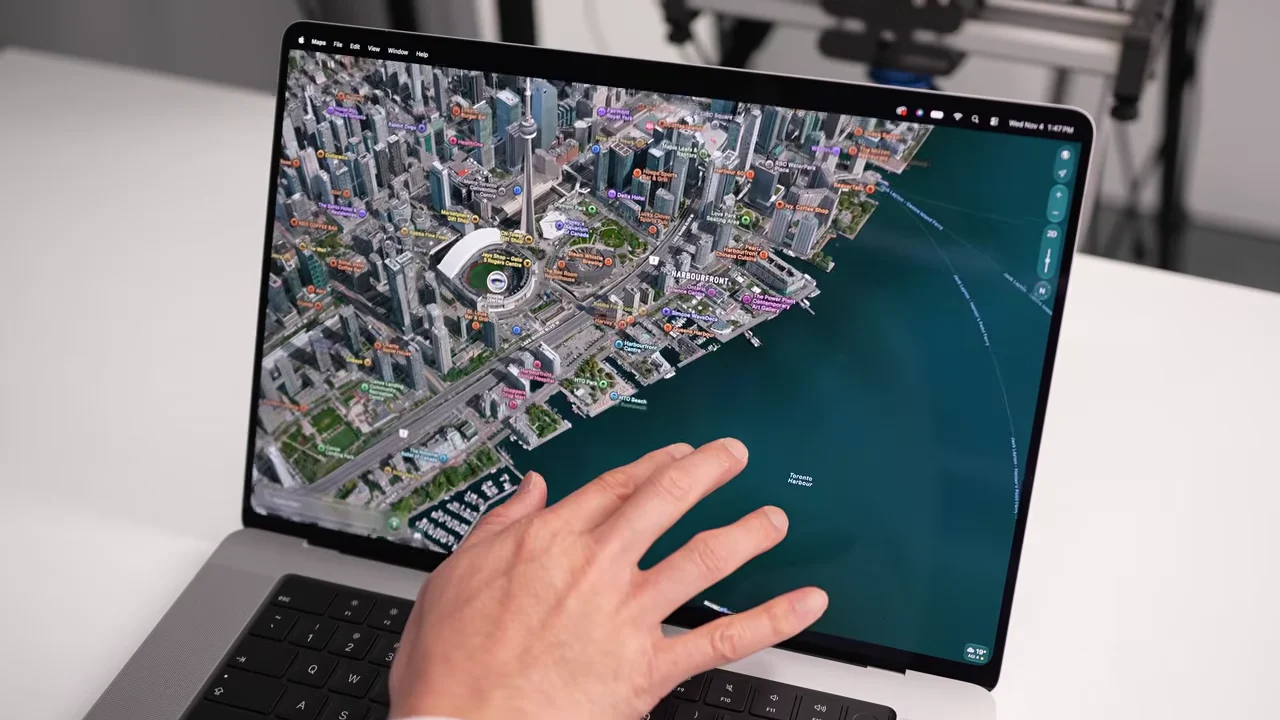
On camera, Dave2D moved through everyday touch gestures first, including pinch-to-zoom, image manipulation, and scrolling through pages and creative apps. Those basics worked smoothly, but the test also showed where touch starts to feel less elegant: small UI elements like window controls need careful finger placement, and that can turn a simple tap into a two-step correction.
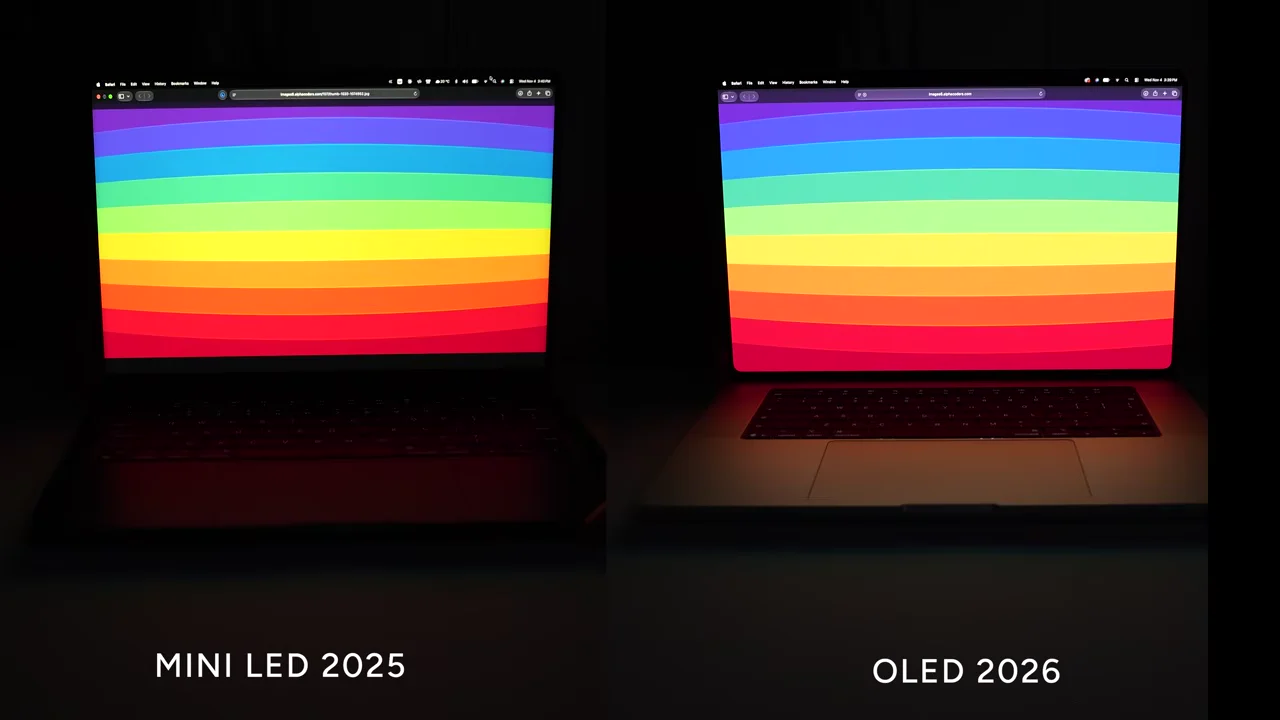
He then pushed the machine harder with gaming, timeline scrubbing, and display comparisons. The hinge was stiffer than before, but direct tapping still caused a bit of wobble. The bigger story, though, was the screen itself: the OLED panel eliminated blooming, looked excellent from wide angles, and delivered the kind of motion clarity that makes fast content feel unusually crisp.
By the end of the test, the hardware changes added up to a more refined machine overall. The lighter chassis, rear-directed exhaust, improved speakers, and dynamic logo treatment all supported the same conclusion: the display is the standout, while touch is useful in spots but not transformative.
The Drawbacks To Know Before Buying
1. Price premium: This is an expensive laptop even by MacBook Pro standards, with a starting price of $3,999 and a $400 jump over the previous generation. That makes the touchscreen and OLED upgrades hard to justify unless you already wanted a top-tier MacBook.
2. Touch is not always faster: The test made it clear that macOS still feels more natural with a trackpad or mouse for precise work. Small buttons, tight interface elements, and detailed editing tasks can be clumsy when you try to do them directly on the screen.
3. Physical annoyances remain: Tapping the display can still introduce slight wobble, and the glossy panel shows fingerprints easily. Those are not dealbreakers, but they are the kind of daily irritations buyers should expect from a touch-enabled laptop.
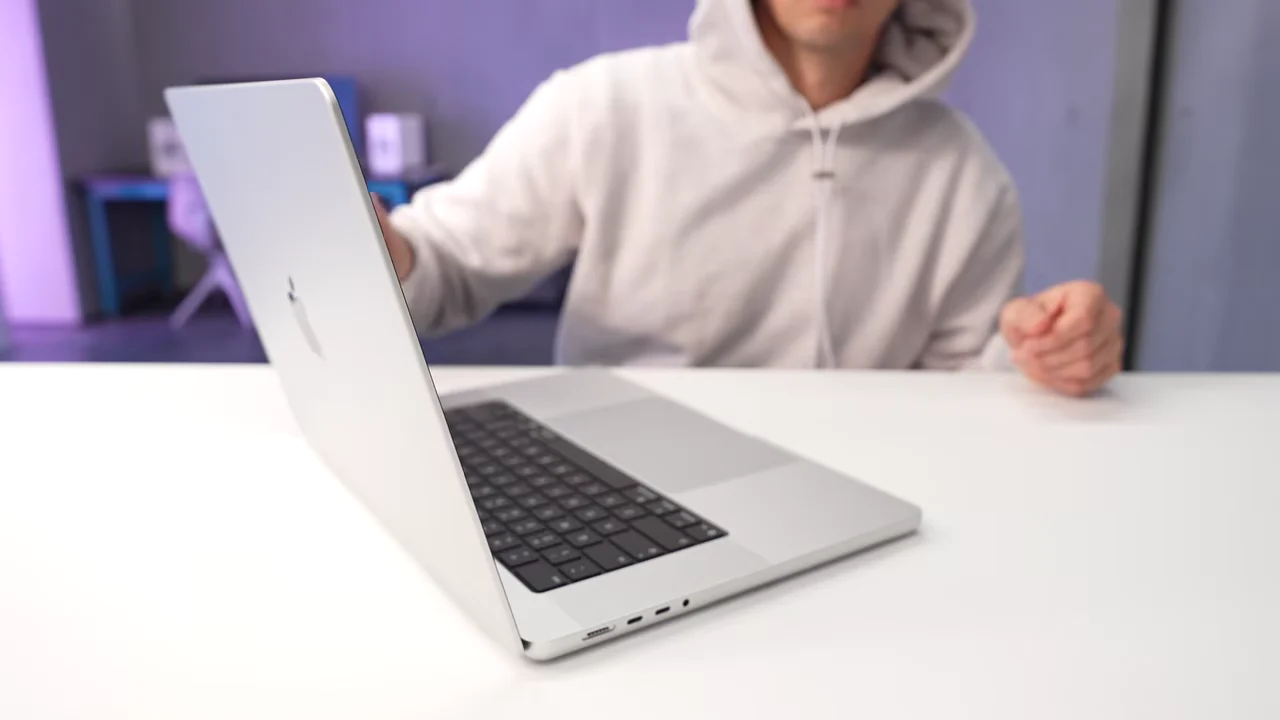
Apple MacBook Pro OLED 16-inch and 14-inch with PROLED XDR Display
Editorial Note: When you buy through links on our site, we may earn an affiliate commission at no extra cost to you.
Original Video Review by Dave2D
11:15 in-depth test, temperature checks and cleaning demonstration.